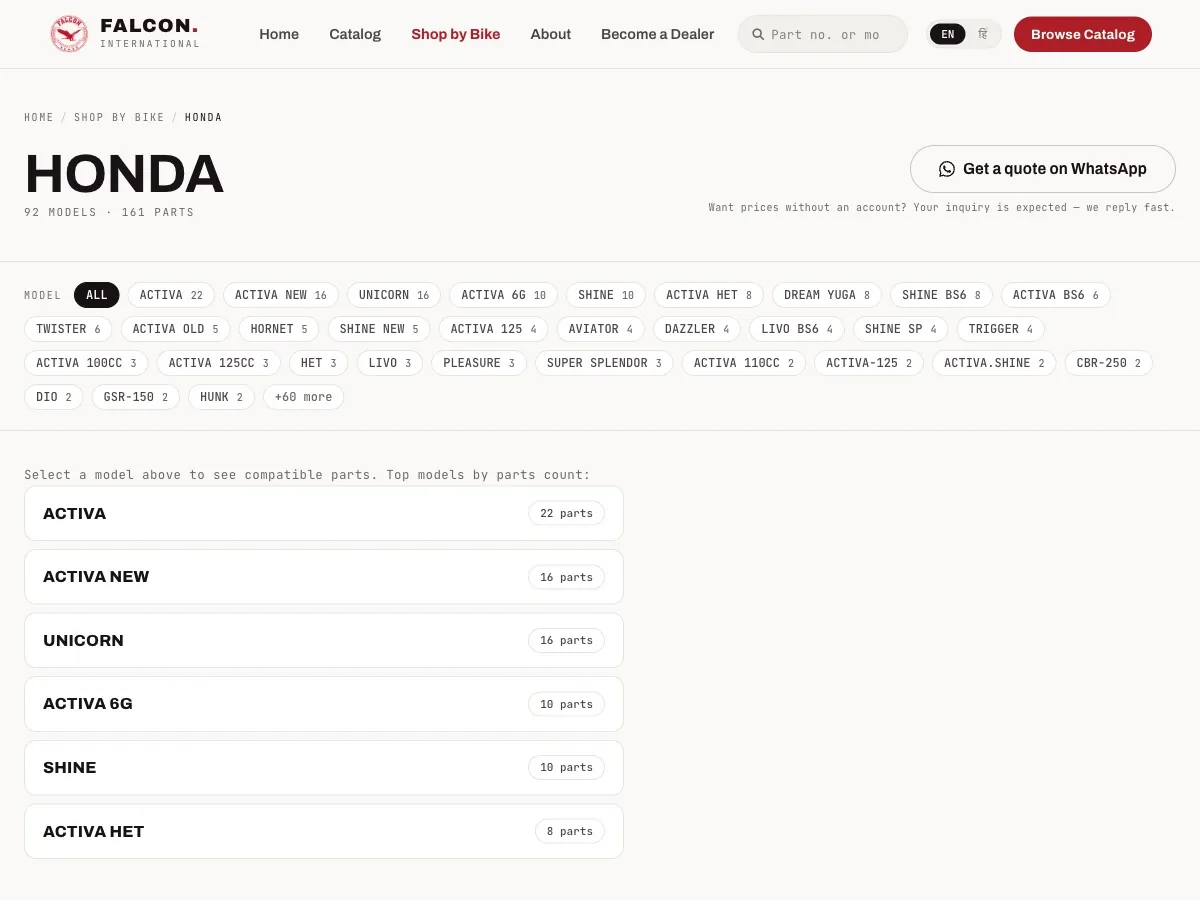
Vehicle first, compatible parts next ↗
The fitment page asks a buyer to choose a motorcycle brand and model, then shows compatible parts. The saved capture makes the model-selection and result pattern inspectable.
OUR OWN BUSINESS / B2B CATALOGUE
Updated
Falcon International is a motorcycle-parts manufacturer in our own group, and Marshal designed, built and still runs its website. The site combines a product catalogue, bike-fitment search and a dealer sign-up route. Explore how the interface connects the buyer’s vehicle, the relevant part and the next trade enquiry.
Open the live Falcon International website ↗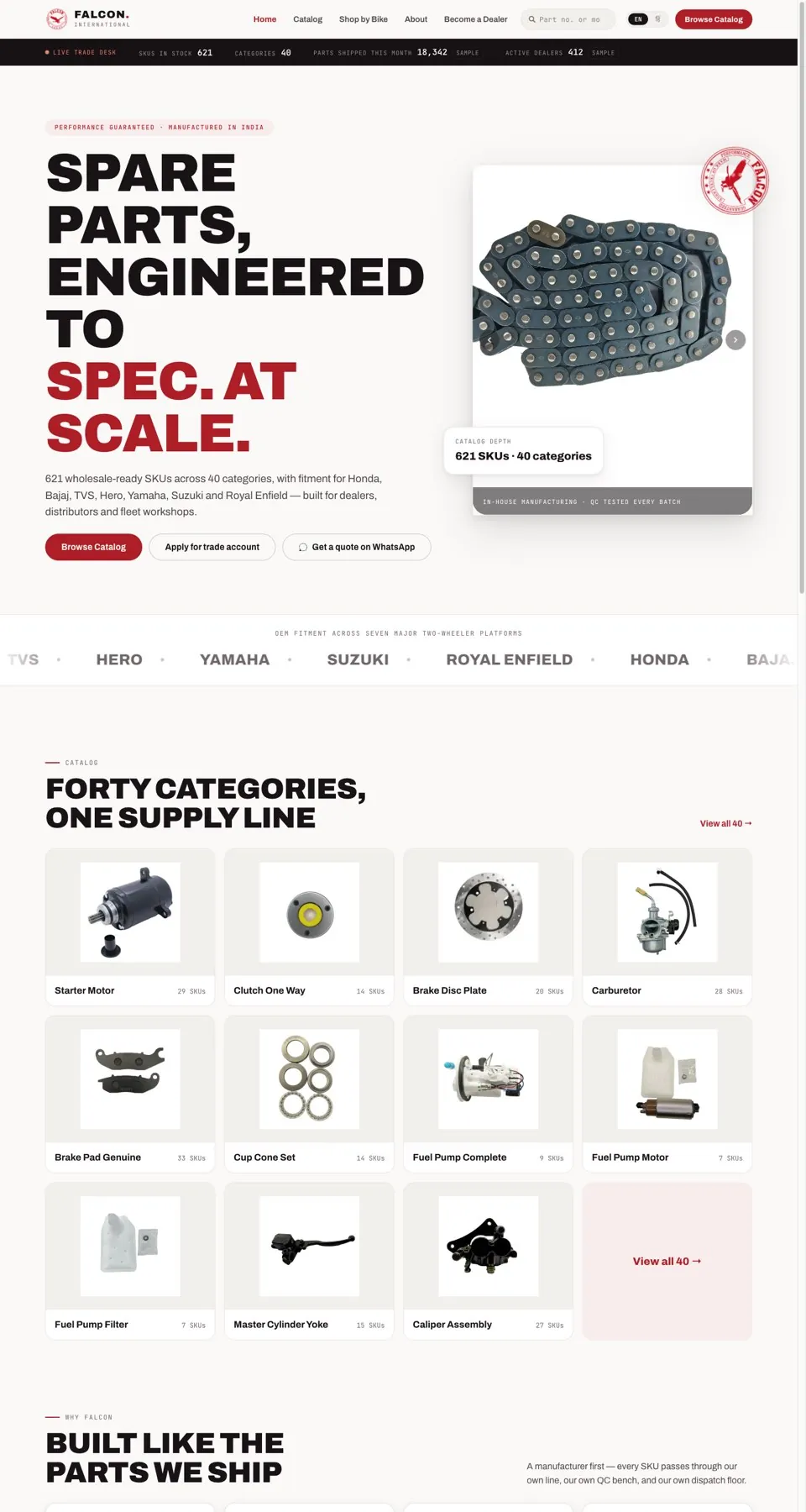
The fitment page asks a buyer to choose a motorcycle brand and model, then shows compatible parts. The saved capture makes the model-selection and result pattern inspectable.
Start at /catalog and open a motorcycle part. Then use /bikes to choose a brand and model and inspect compatible parts. The /p/become-a-dealer route is a separate trade-account application path. Together these routes show product discovery, fitment browsing and a distinct trade-account path.
After browsing, inspect the dealer sign-up route. It sits alongside public product discovery, so the buyer can understand the catalogue before taking a trade-specific next step. For a similar project, decide which product information is public, what requires dealer access and what the sign-up should ask.
A catalogue can support discovery and enquiries without promising that every visitor can buy at a public price. Before a B2B build, decide whether the site should show product information, take enquiries, support dealer access or handle an online purchase. These decisions change the data, accounts and functions required.
For a similar catalogue, agree which product names, categories, images and attributes the business will supply and check. If compatibility matters, name the source of the fitment data and who approves changes. At acceptance, walk through one known brand/model combination, verify the expected compatible results, open a product and confirm its next action. This tests the path without claiming stock or order outcomes.
The public site separates product discovery from dealer-account application. For another B2B project, specify the application fields, who reviews them, what the visitor sees after submitting, and which pricing or order functions require approval. This workflow needs its own scope and acceptance walkthrough.
The website is the public catalogue reference. The separate Falcon app page is an interactive guest preview of app screens using a frozen public catalogue. Its preview does not expose private dealer accounts, dealer prices or production ordering. Compare the tasks each surface supports before deciding whether a project needs a website, an app or both.
| Public route | What to inspect | Question for a new project |
|---|---|---|
| /catalog | Browse category listings and open a motorcycle part. | Which categories, product fields, images and product actions are required at launch? |
| /bikes | Choose a motorcycle brand and model, then inspect compatible parts. | Where does fitment data come from, and who validates and maintains it? |
| /p/become-a-dealer | Review the separate dealer-account application route. | Which application fields, review steps and post-submit responses are in scope? |
Open the live Falcon International website to inspect its catalogue, bike-fitment search and dealer sign-up route. You can also try the public app interface preview from Marshal’s homepage.
Because we live with the results. The catalogue runs on Falcon’s real product data, so every design decision has to work for real buyers, not a mock-up.
A different business may need different product attributes and buyer actions. Use this reference to discuss the job your catalogue needs to do, then define the relevant scope.
LET’S MAKE IT
Based in Gurugram (Gurgaon), working with businesses across Delhi NCR, India and abroad. Pricing is quoted on a call after we understand the project.